How To Update Your Songs
So you want to submit songs for airplay consideration on our radio station but have never done this before? No problem. We will guide you through the process. The first thing to remember is that we are a radio station, so the songs you submit must be provided in a high quality digital format (an MP3 file). Many creators download their files directly from platforms such as Suno, which is perfectly acceptable. If your file was created elsewhere, please ensure that it meets the following requirements.
Audio Format
High quality MP3 files, Suno downloads are acceptable, Not WAV files!
MP3 Bitrate - 256+ kbps
MP3 Sample rate 44,100 Hz or 48,000 Hz
File Naming Convertion:
Format: 'Artist' - 'Song Title'.mp3
Example: Pete Fingers - Alone Again.mp3
ID3 Tags
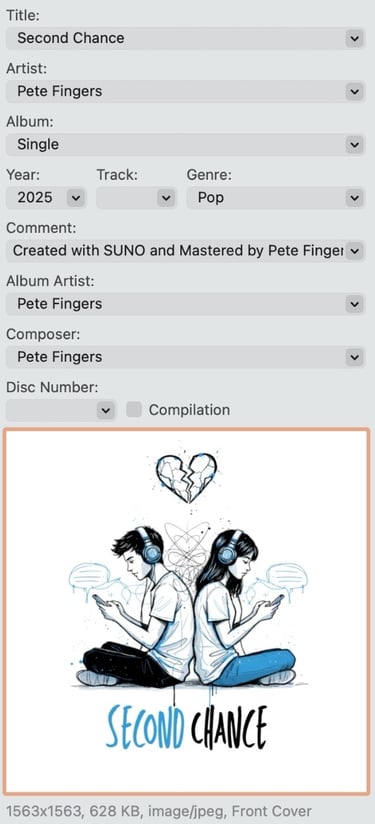
ID3 tags are pieces of information stored in the metadata of each MP3 file. When a file is first created (for example in Suno), these fields are usually empty. These fields must be completed so that our radio streaming server can correctly detect the Song Name, Artist, Album Name, and Song or Album Cover. To add this information, we recommend using a program called Mp3Tag, which is available free for both Windows and Apple computers. This metadata is essential for logging when your songs are played, as well as ensuring accurate reporting and proper display within our radio station app. If you are unable to complete this data yourself, we at Pure AI Radio can do this for you for a small donation. See the example below to gat an idea of what is required in your ID3 MetaTags.
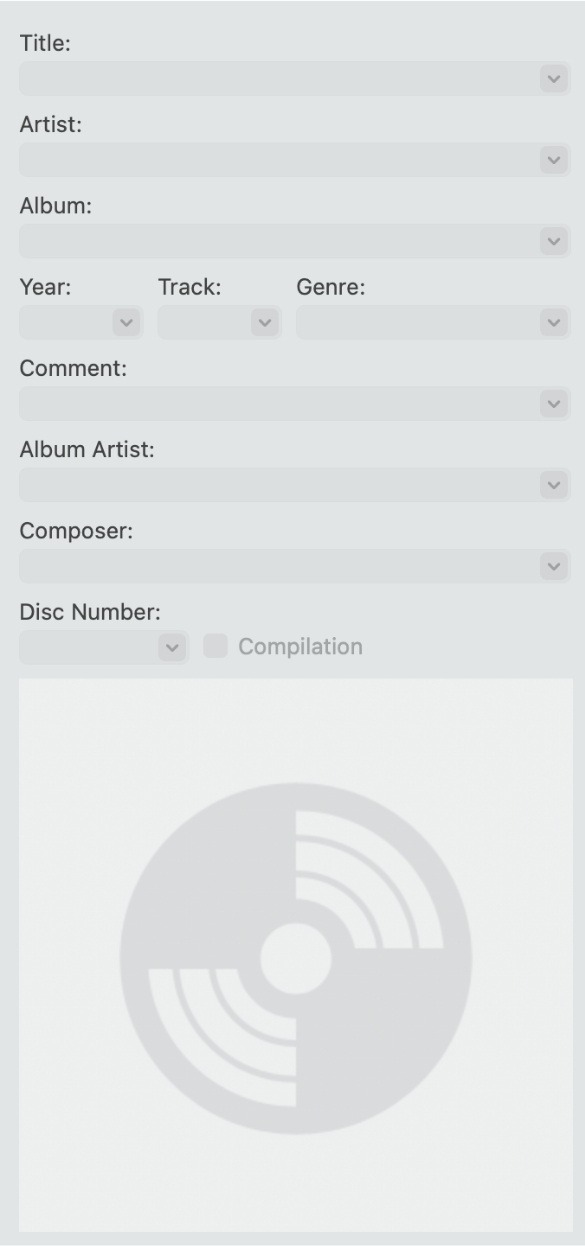
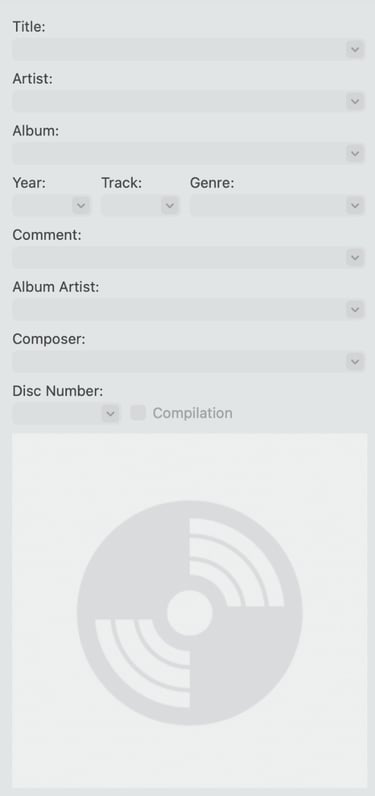
Before ID3 Tags
After ID3 Tags
Copyright © Pure AI Radio 2026 - All Rights Reserved